E-Pin Management
Request PINs to activate packages offline.
Step-by-Step Guide
This section explains exactly how E-Pin Management works, the exact data flow, and any conditions related to it.
User Interface Walkthrough
Step
1
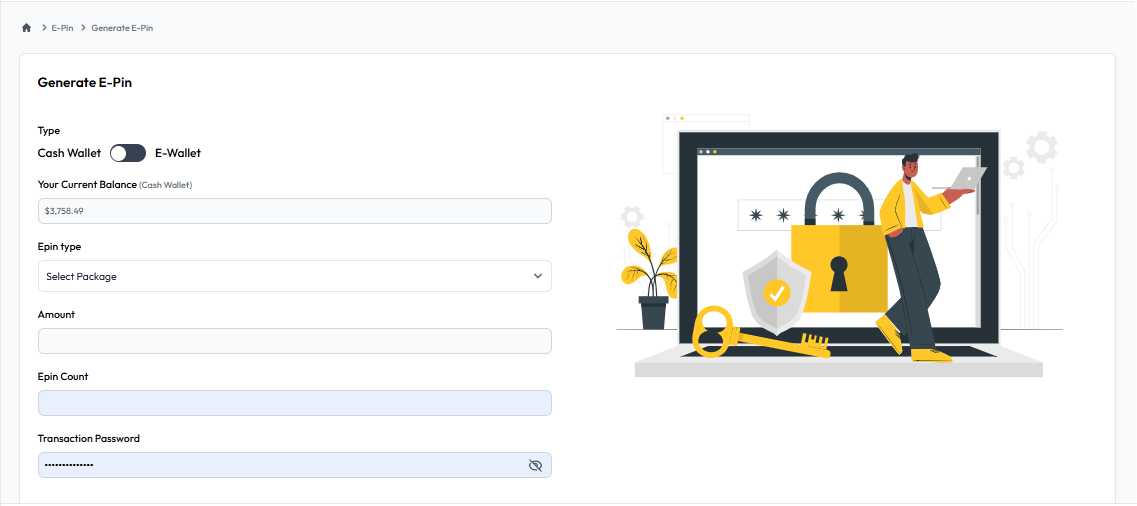
Generate E-Pin
Flow Definition
Create new E-Pins by selecting a package, entering the pin count, and using your available wallet balance to generate them securely.
Step
2
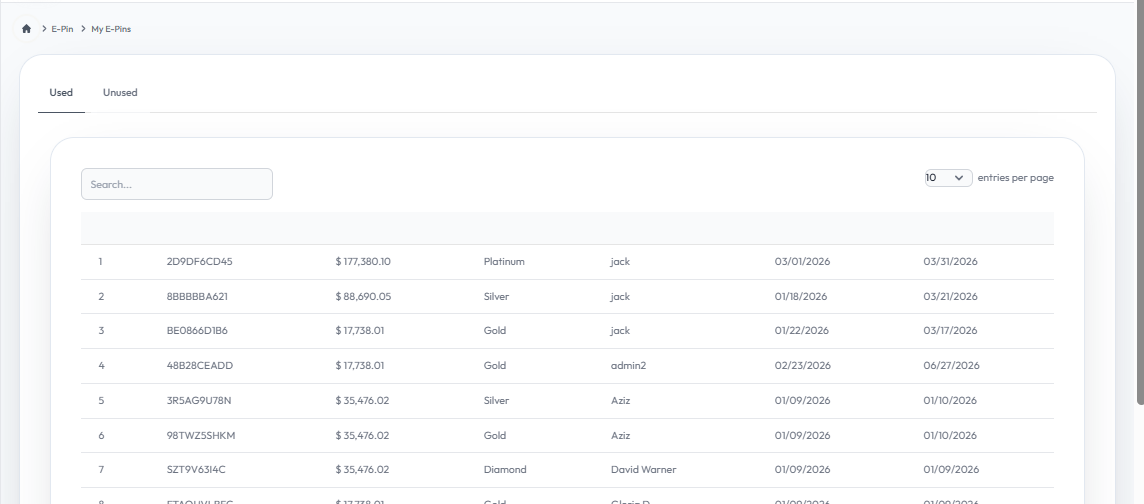
My E-Pin
Flow Definition
View and manage all your generated E-Pins. Transfer unused E-Pins to your downline or track your E-Pin usage history.
Step
3
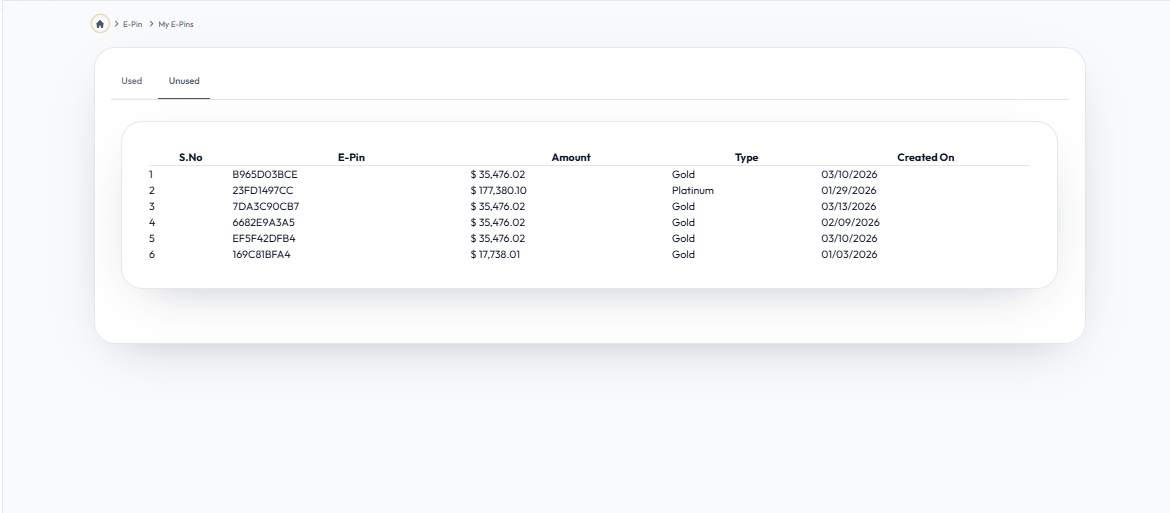
Unused E-Pin
Flow Definition
View and manage all your generated E-Pins. Transfer unused E-Pins to your downline or track your E-Pin usage history.