Dashboard
Overview of the entire MLM system, revenue, and recent joins.
Step-by-Step Guide
This section explains exactly how Dashboard works, the exact data flow, and any conditions related to it.
Module Walkthrough (Step by Step)
Dashboard
Flow Definition
View the high-level overview of the entire MLM system. This central hub aggregates real-time data on network growth, revenue streams, and recent member activities to provide actionable administrative insights.
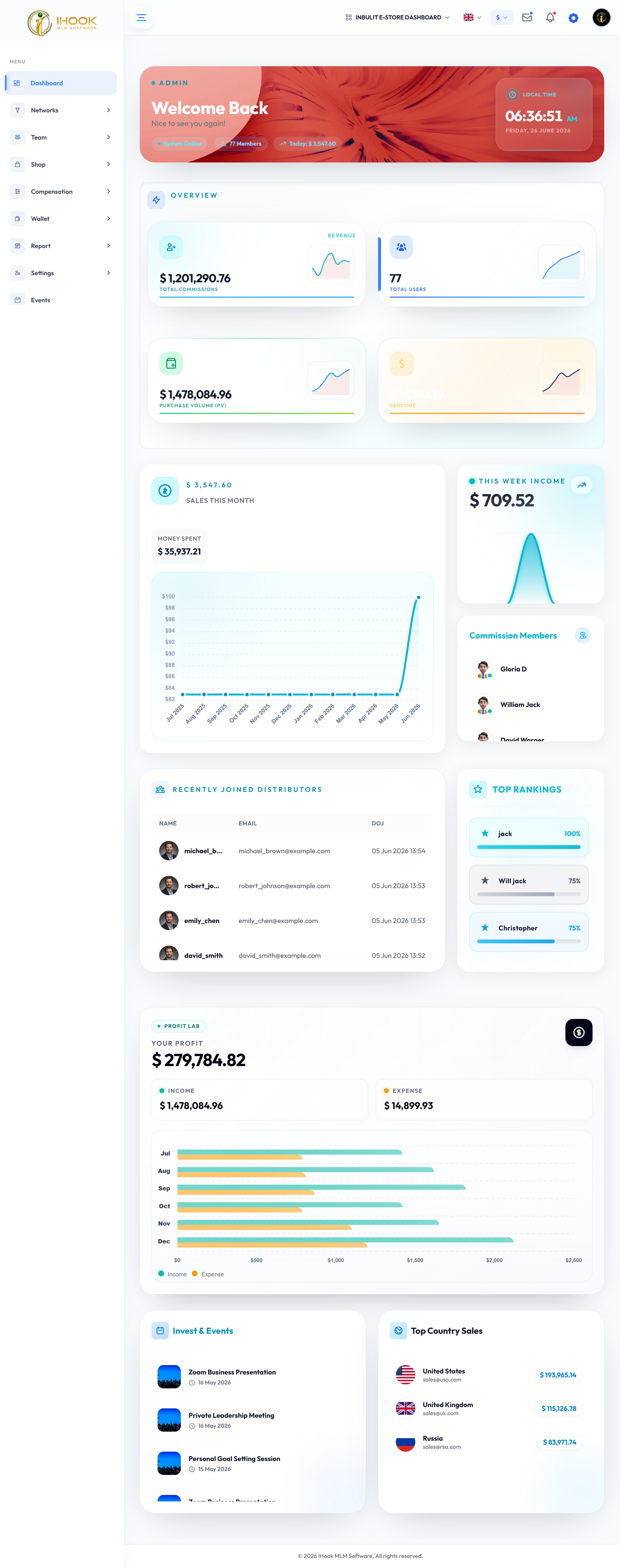
Header
Flow Definition
Access global navigation controls and quick-action tools. The header remains fixed across the portal, ensuring admins can instantly switch contexts or execute global searches without losing their place.

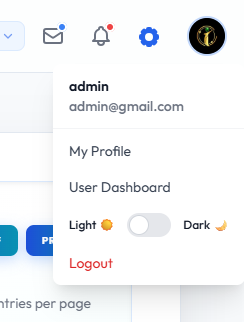
Header Profilebtn
Flow Definition
Interact with the profile dropdown to access account-specific configurations. This component routes the administrator to personal security settings, active session controls, and authentication logs.
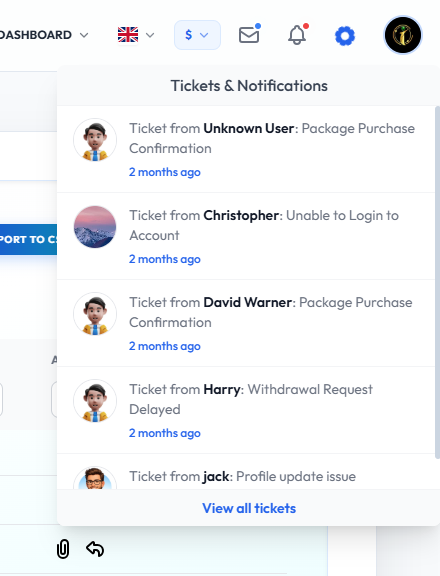
Header Notifybtn
Flow Definition
Review real-time system alerts and priority notifications. This module aggregates critical events like large payout requests, support ticket escalations, or suspicious network activity for immediate review.
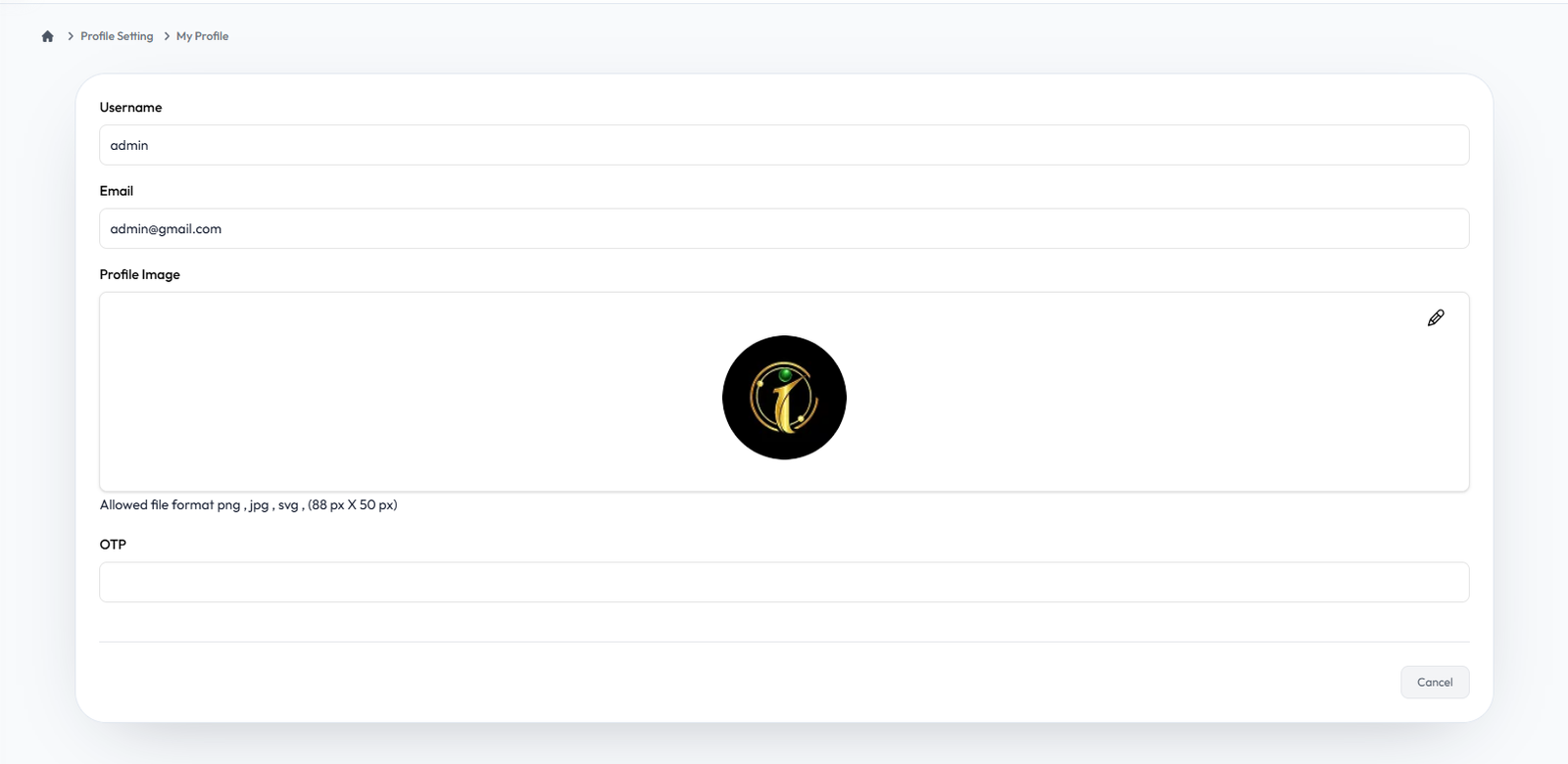
My Profile
Flow Definition
Manage the master administrator's personal credentials and contact information. This secure area enforces two-factor authentication rules and audits the admin's recent operational footprints.
Once you have configured the settings on this page, proceed to the next module in the sidebar to continue your setup workflow.