Marketing
Manage promotional materials, banners, and campaigns.
Step-by-Step Guide
This section explains exactly how Marketing works, the exact data flow, and any conditions related to it.
Module Walkthrough (Step by Step)
Step 1
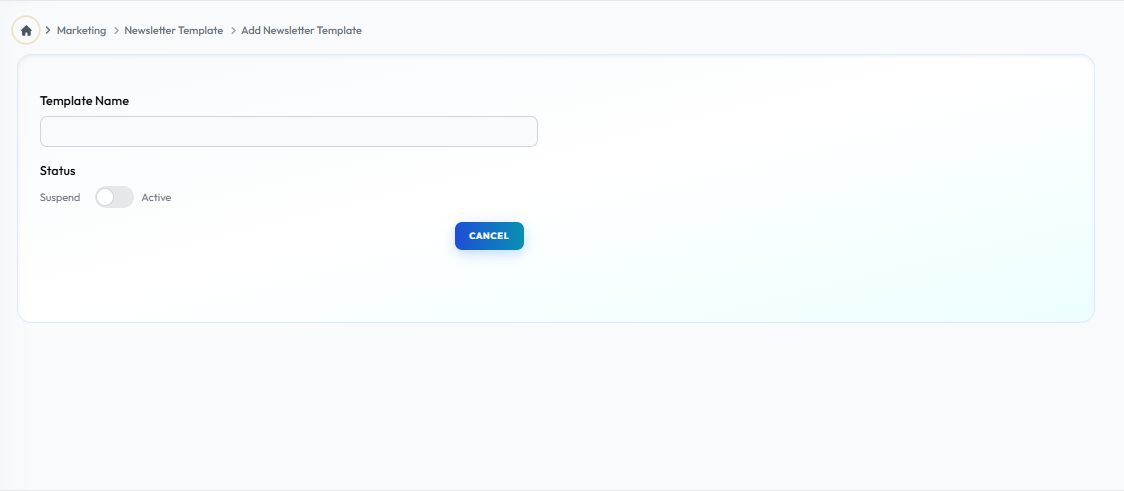
Add-newletters
Flow Definition
Compose and design engaging newsletters. Use this tool to send updates, promotional offers, and system announcements directly to distributors' inboxes to maintain strong network communication.
Step 2
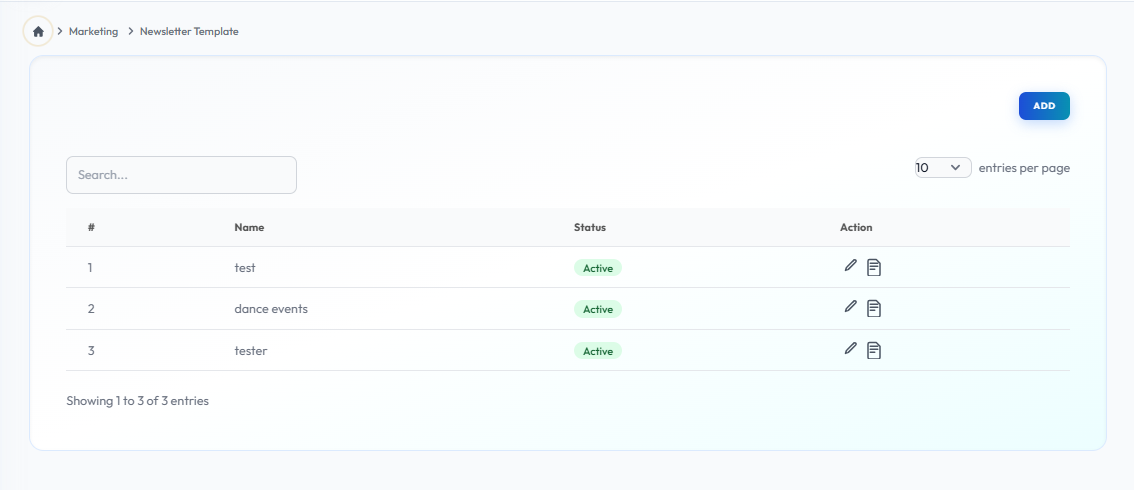
Newsletter-list
Flow Definition
View a comprehensive history of all broadcasted newsletters. Review sent dates, audience targeting, and manage drafted campaigns from this centralized dashboard.
What's Next?
Once you have configured the settings on this page, proceed to the next module in the sidebar to continue your setup workflow.