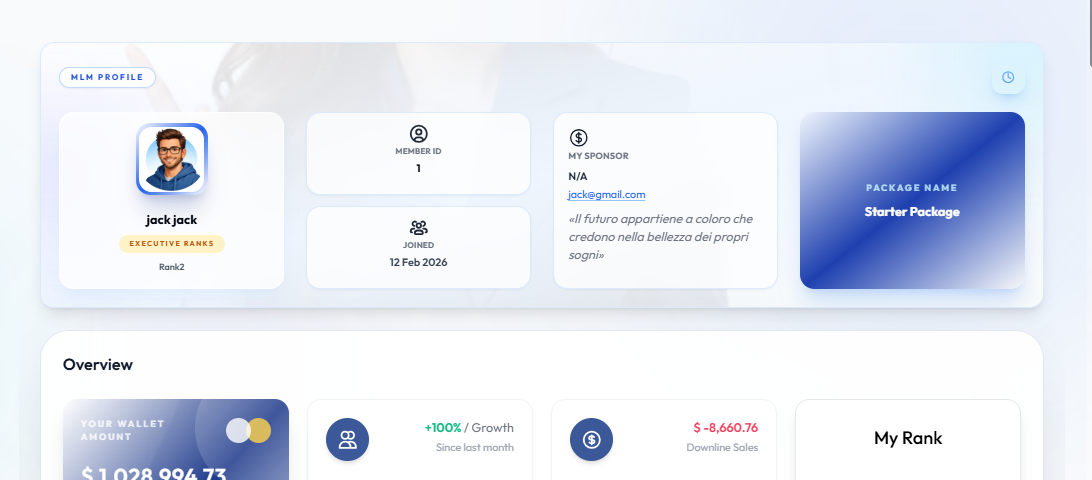
Dashboard
User metrics, referral link, wallet balance.
Step-by-Step Guide
This section explains exactly how Dashboard works, the exact data flow, and any conditions related to it.
User Interface Walkthrough
Dashboard
Flow Definition
The User Dashboard serves as the central hub for distributors. It provides an at-a-glance overview of crucial metrics including wallet balances, network growth, recent commissions, and quick access to referral links for network expansion.
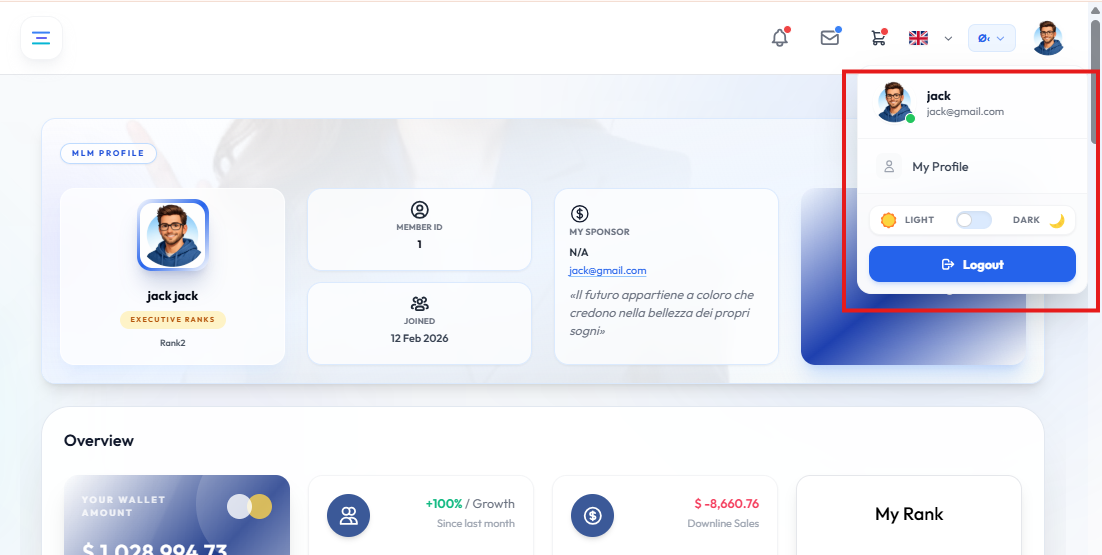
Profile Dropdown
Flow Definition
The profile dropdown provides quick access to account settings, password management, and secure logout. It ensures users can swiftly manage their personal information without navigating away from their current workspace.
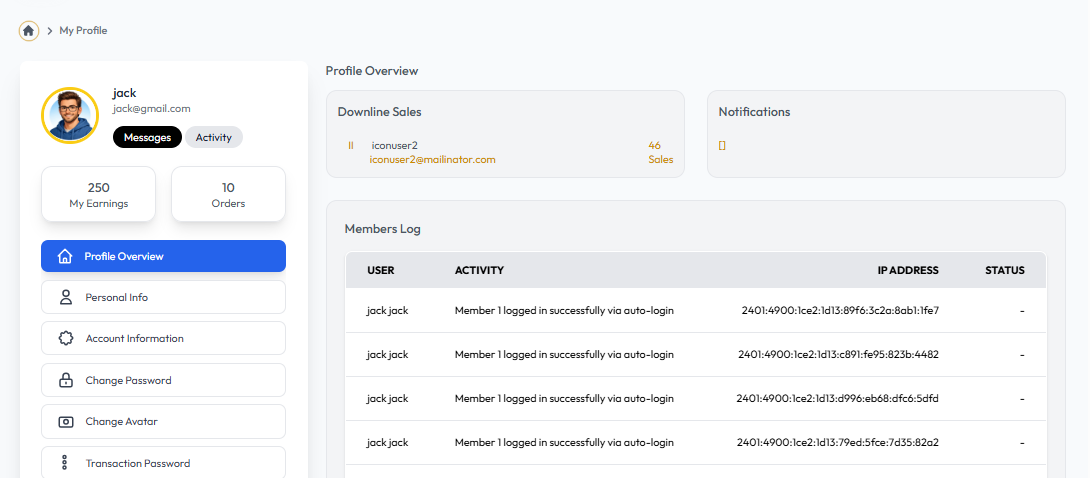
My Profile
Flow Definition
My Profile is where users manage their personal and account information. It includes details such as name, contact information, bank details for payouts, and security settings like password updates.