Commissions Configuration
Define Join, Direct, Bonus, and Level commission percentages.
Step-by-Step Guide
This section explains exactly how Commissions Configuration works, the exact data flow, and any conditions related to it.
Global Commission Distribution
The Commissions module is the financial heart of the MLM. When a new member registers, the amount they pay for their Package triggers a massive cascade of automated commissions.
Join Commission
A fixed bonus credited immediately upon successful registration.
Direct (Sponsor)
Directly credited to the Sponsor who brought the user into the network.
Package Level
Special commissions scaled based on the specific tier of the purchased package.
Matrix/Level
Distributed upwards sequentially through the hierarchy to multiple uplines.
Module Walkthrough (Step by Step)
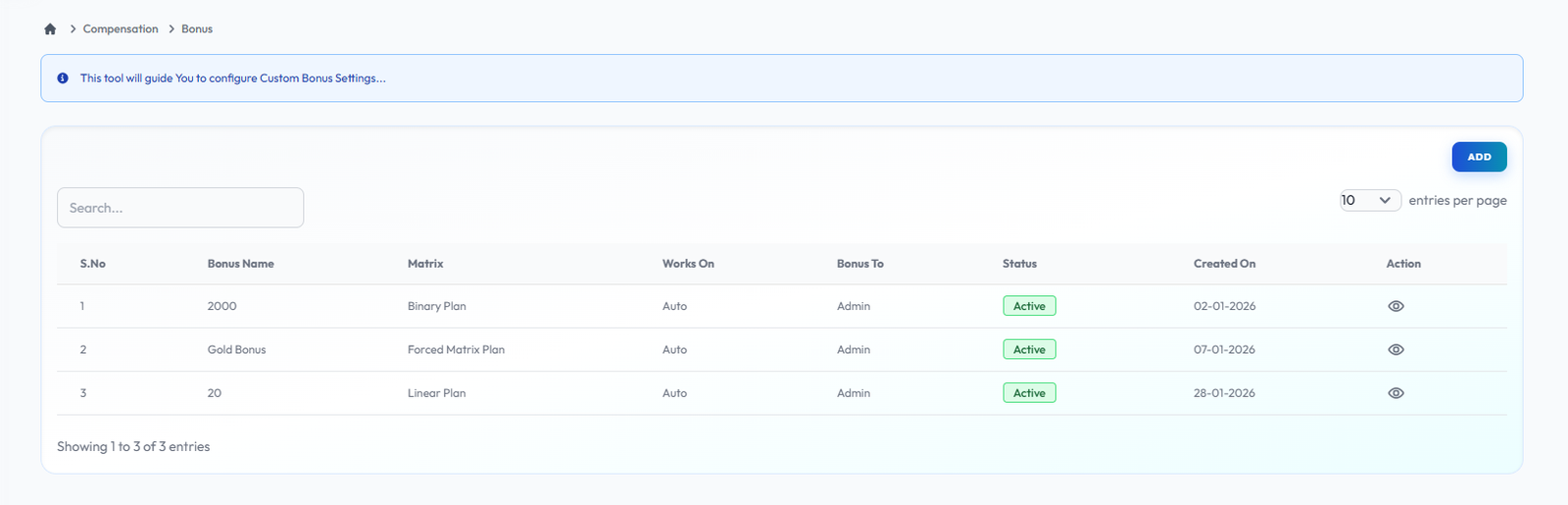
Bonus
Flow Definition
Configure standard recurring or one-time bonuses available to distributors. Set the qualifications required to unlock each bonus tier and incentivize specific network behaviors.
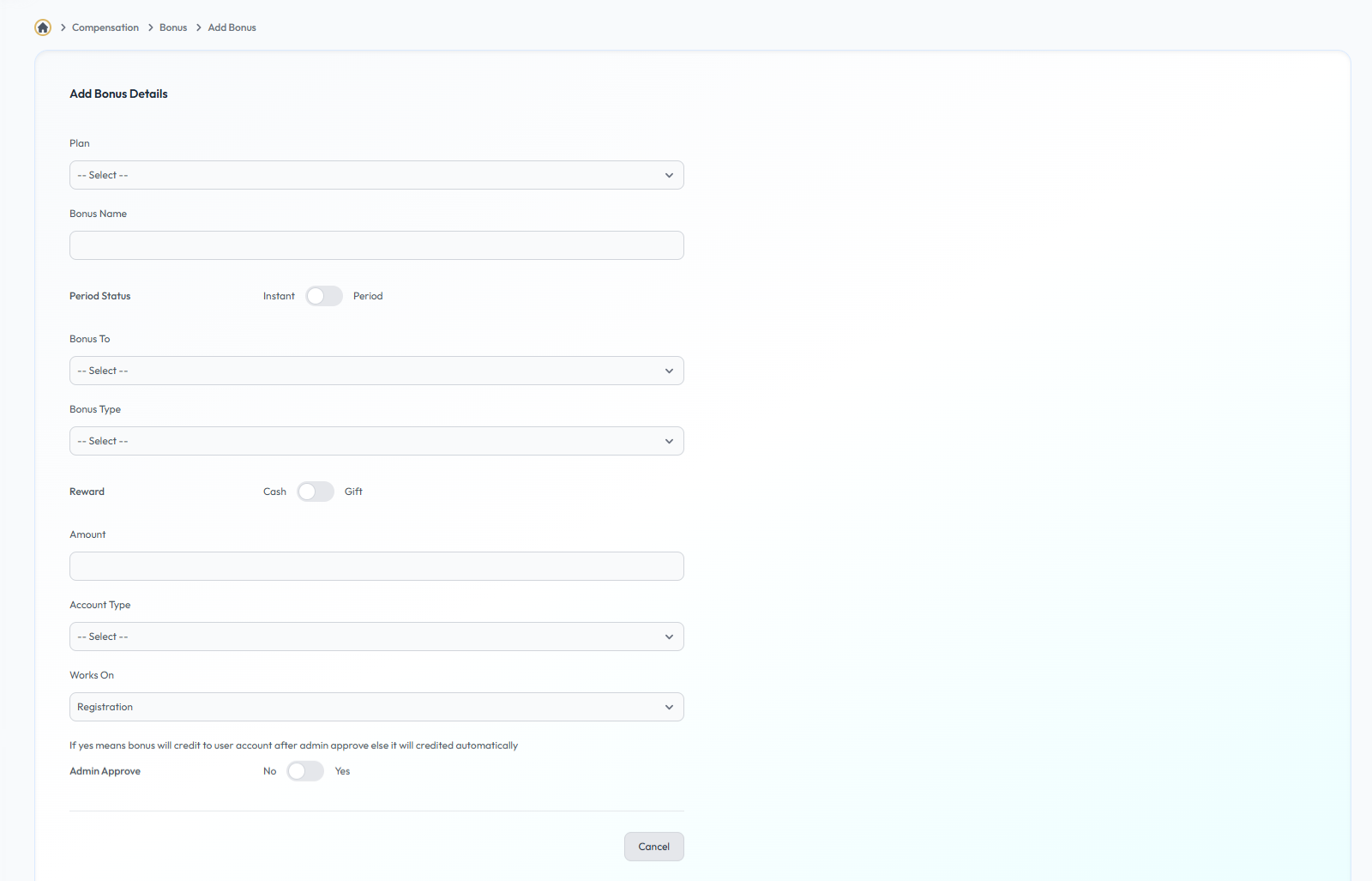
Add Bonus
Flow Definition
Configure and manage the Add Bonus settings to customize the platform to your specific business requirements.
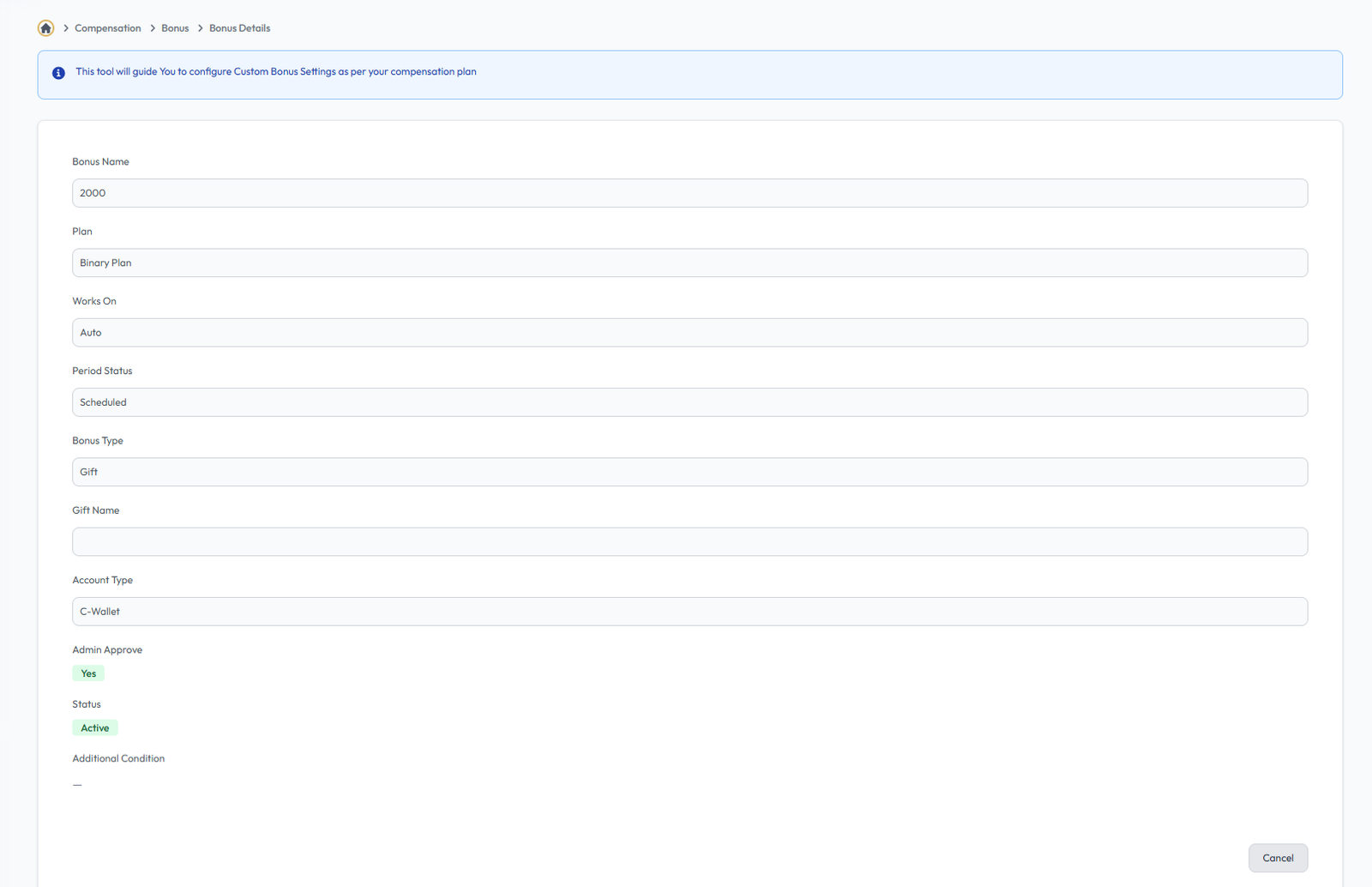
Bonus Details
Flow Definition
Configure and manage the Bonus Details settings to customize the platform to your specific business requirements.
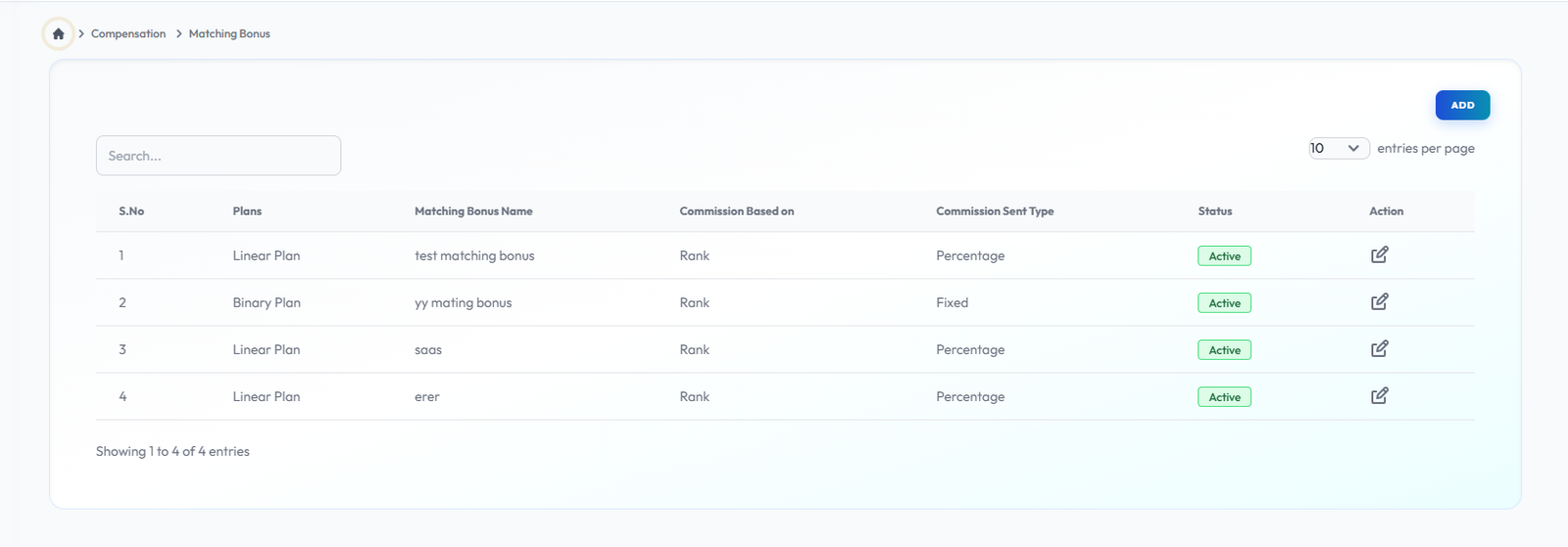
Matching Bonus
Flow Definition
Implement matching bonus rules where sponsors earn a percentage of the commissions generated by their direct referrals or downline, driving cooperative growth.
Add Matching Bonus
Flow Definition
Configure and manage the Add Matching Bonus settings to customize the platform to your specific business requirements.

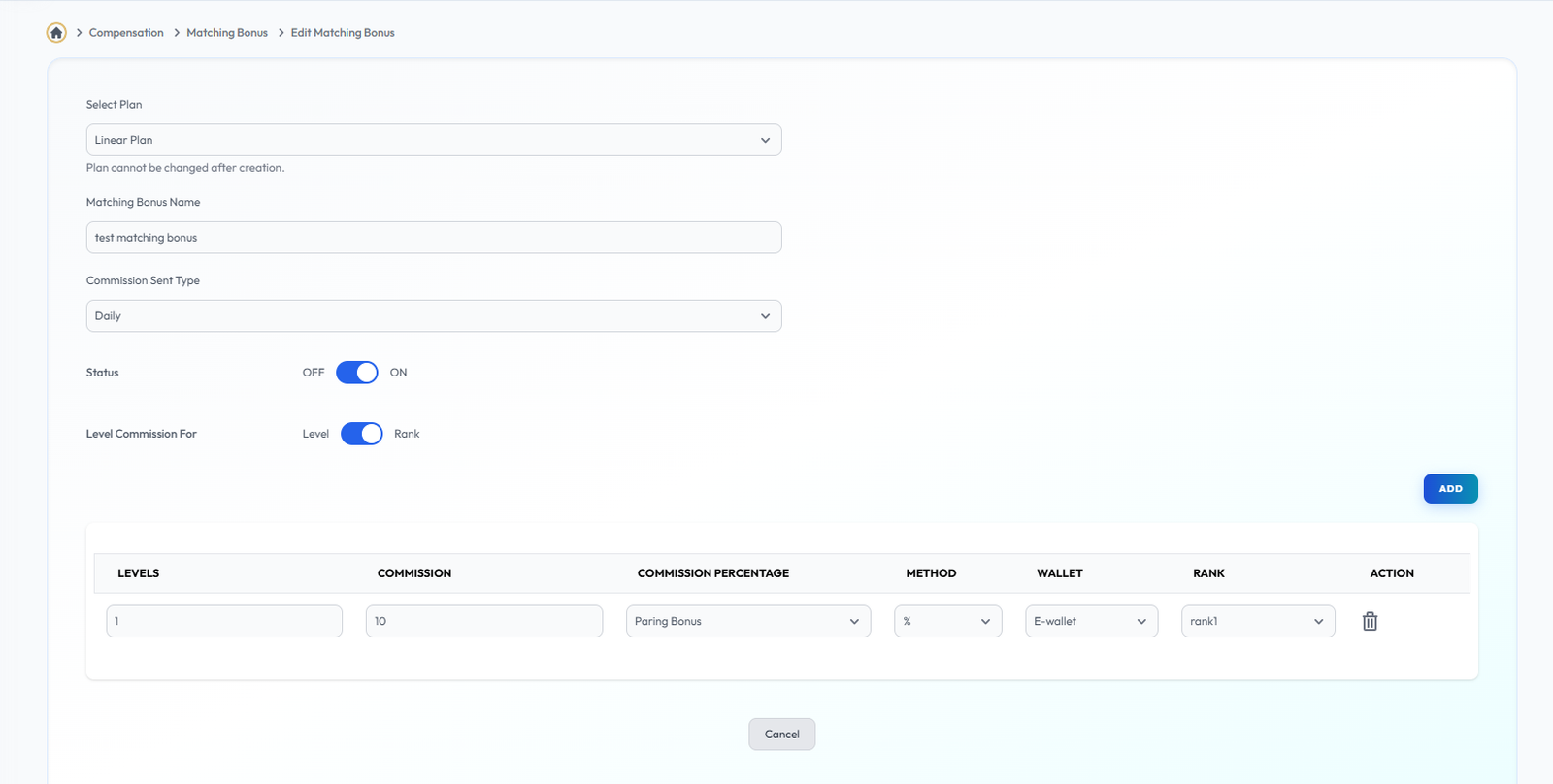
Edit Matching Bonus
Flow Definition
Configure and manage the Edit Matching Bonus settings to customize the platform to your specific business requirements.
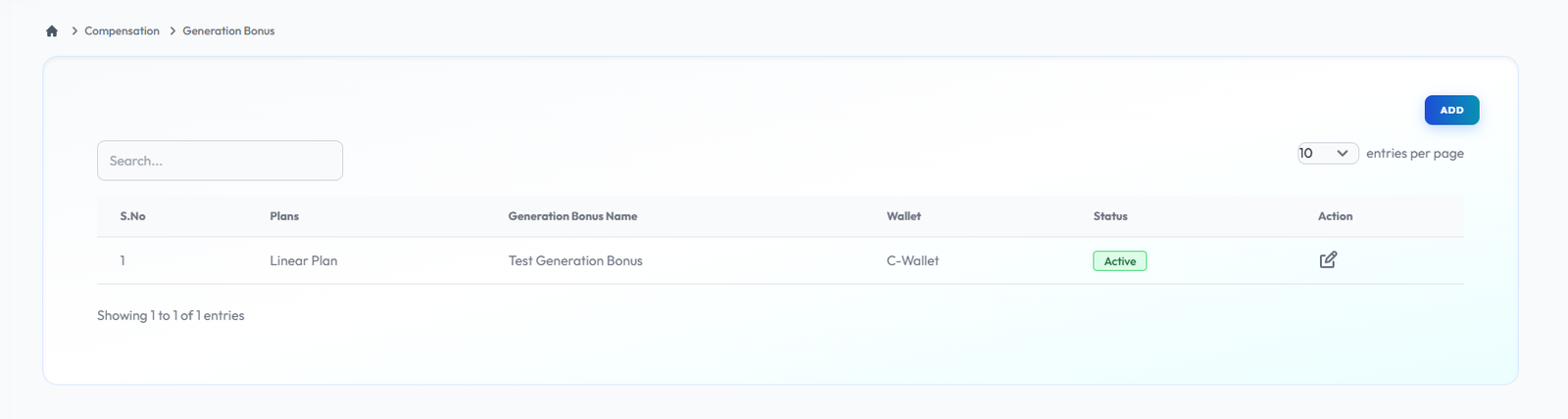
Generation Bonus
Flow Definition
Set up deep-level payout structures that reward leaders for developing successful teams multiple generations deep in their lineage, fostering long-term mentorship.
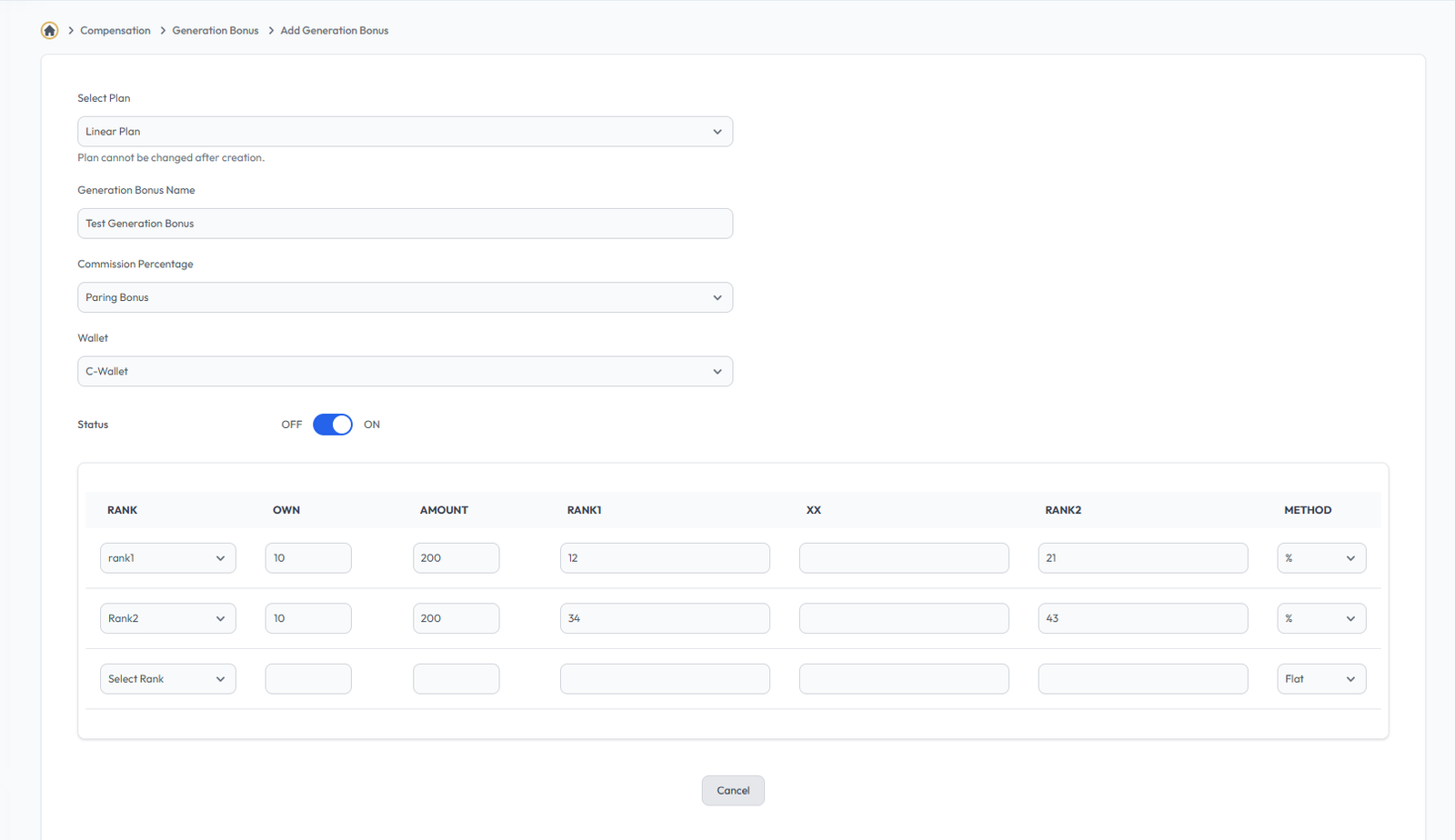
Add Generation Bonus
Flow Definition
Configure and manage the Add Generation Bonus settings to customize the platform to your specific business requirements.

Edit Generation Bonus
Flow Definition
Configure and manage the Edit Generation Bonus settings to customize the platform to your specific business requirements.
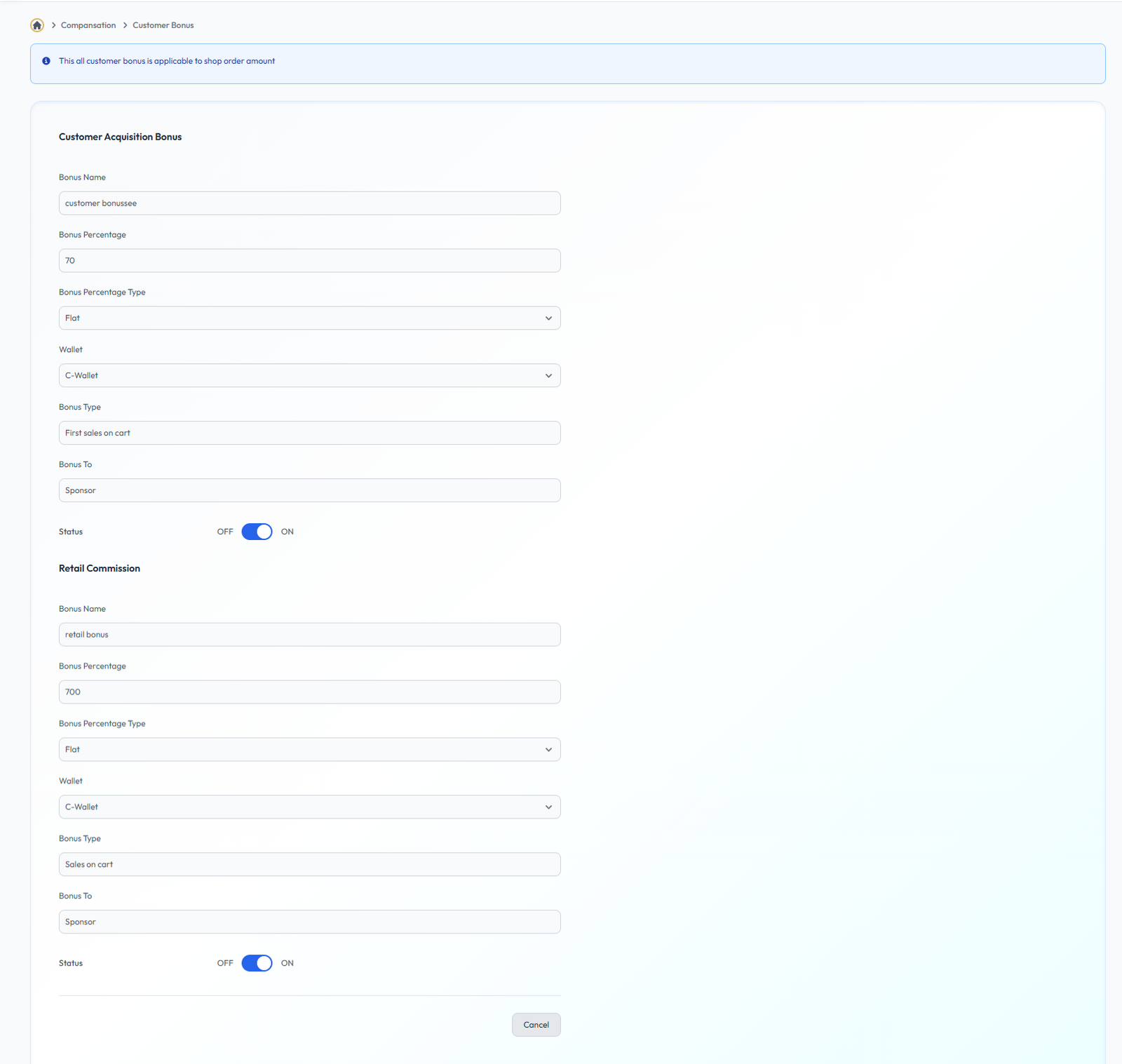
Customer Bonus
Flow Definition
Define reward structures specifically targeted at retail customer acquisitions. Encourage distributors to drive direct sales outside of the network by offering unique customer-centric bonuses.
Once you have configured the settings on this page, proceed to the next module in the sidebar to continue your setup workflow.