Events
Organize MLM seminars, training sessions, and promotional events to engage your network.
Step-by-Step Guide
This section explains exactly how Events works, the exact data flow, and any conditions related to it.
Module Walkthrough (Step by Step)
Events
Flow Definition
Access the main events dashboard to overview upcoming seminars, training sessions, and promotional activities.
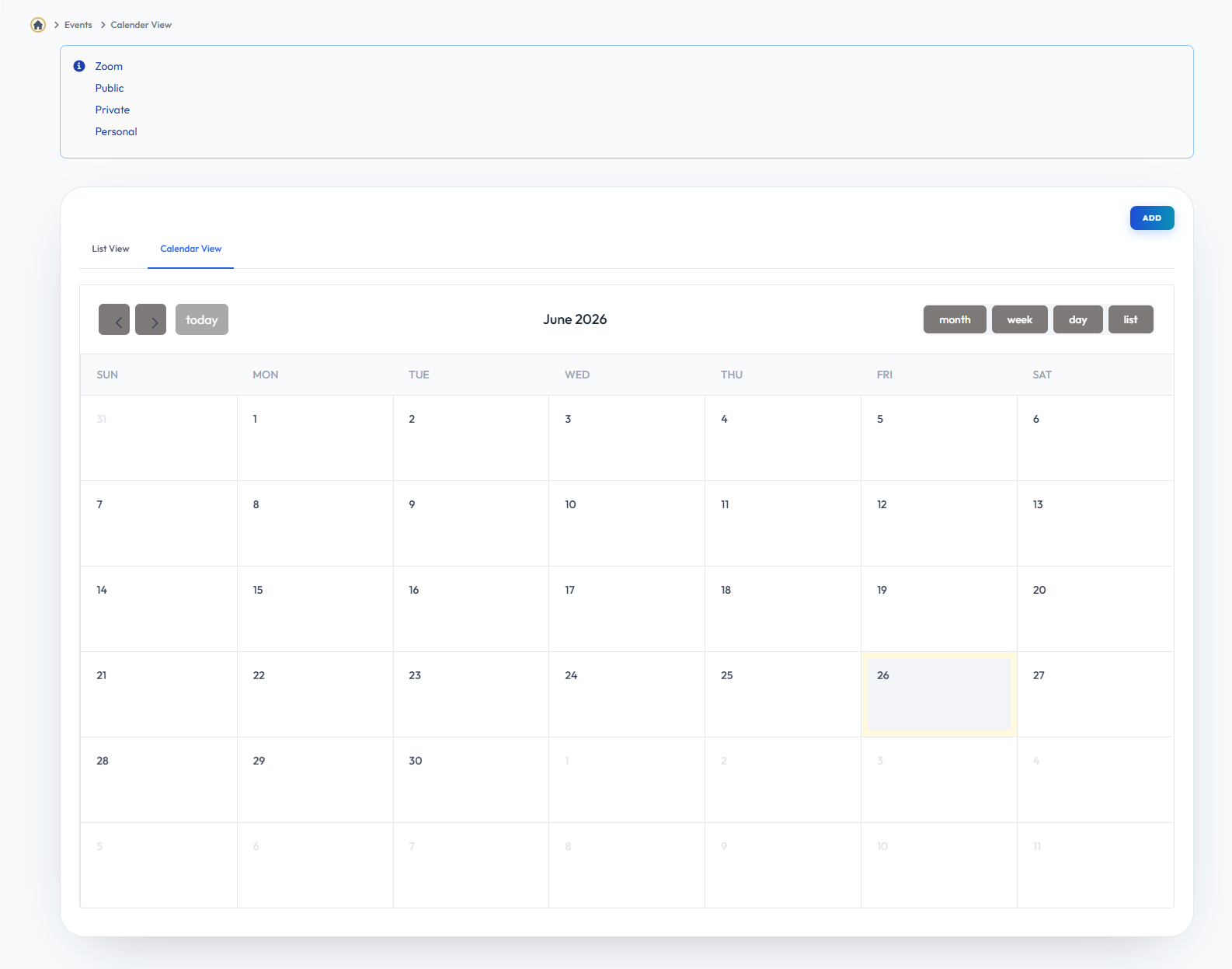
Events Listview
Flow Definition
Browse through the complete list of scheduled events, complete with their dates, locations, and attendance details.
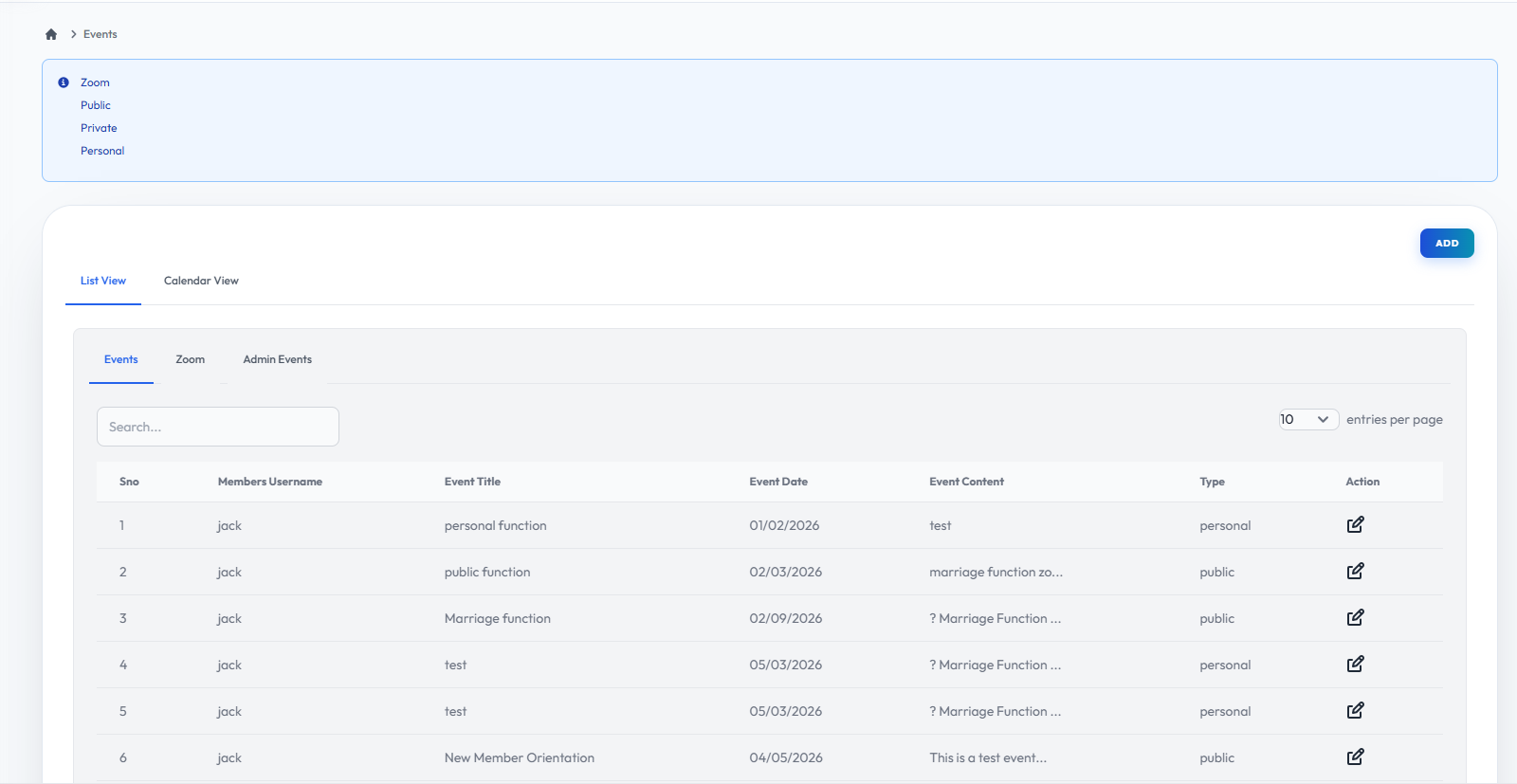
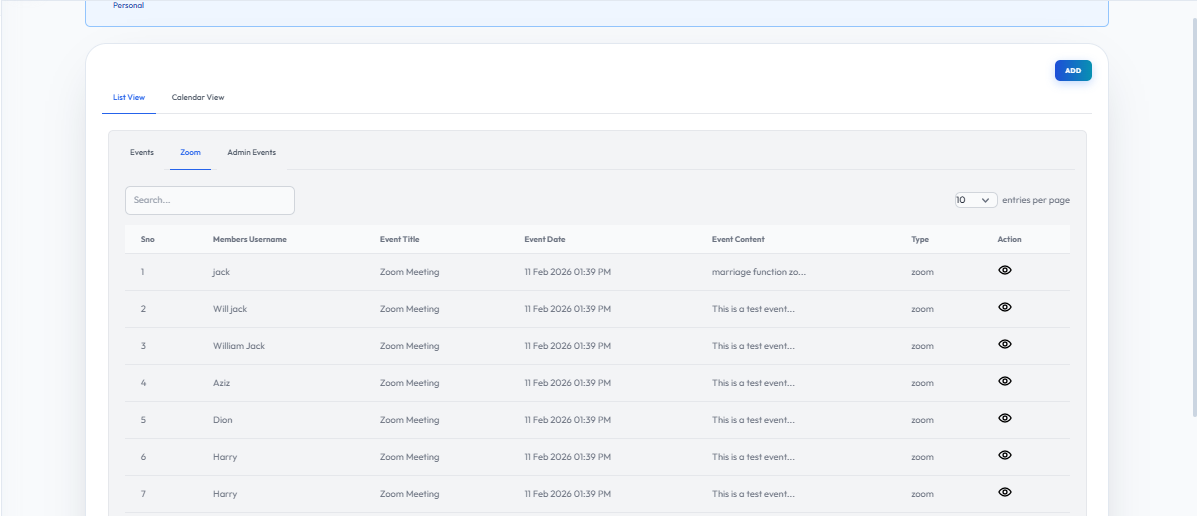
Events Zoom
Flow Definition
Manage virtual events by integrating and configuring Zoom meetings for online training sessions.
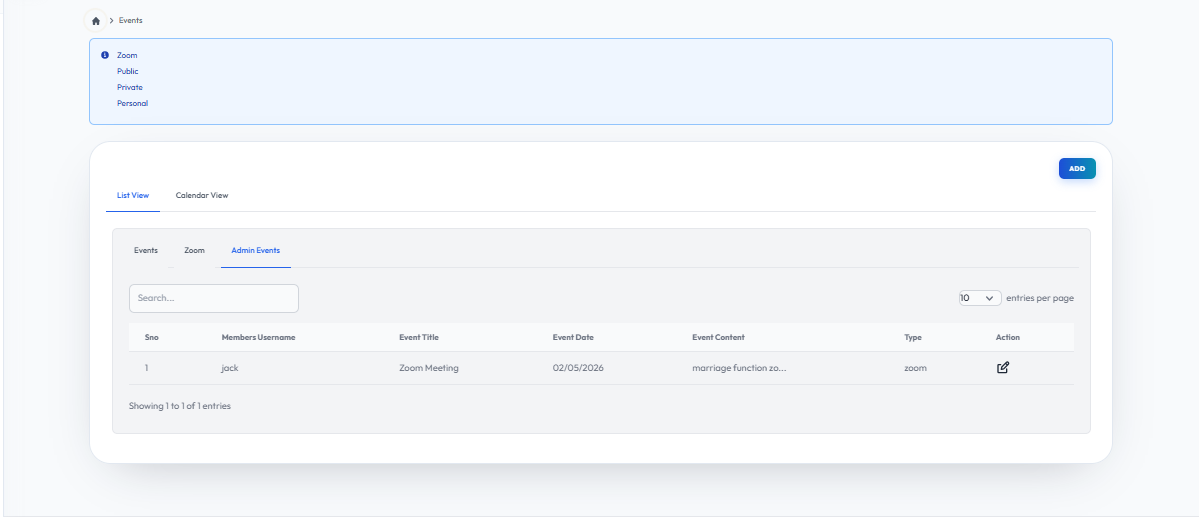
Events Admin
Flow Definition
Review administrative controls for event management, including attendee tracking and event status updates.
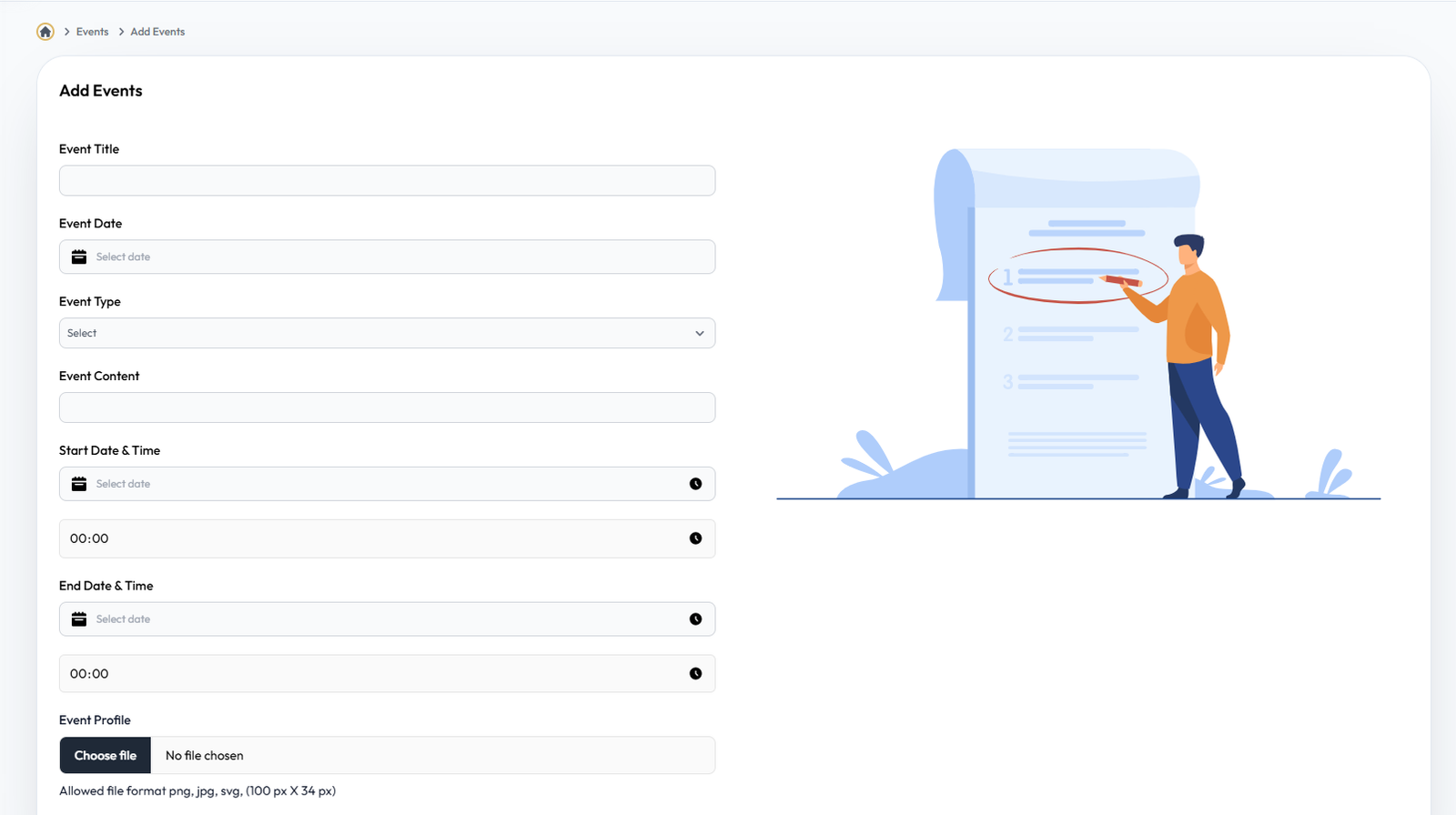
Add Events
Flow Definition
Create a new event by specifying the title, description, date, location, and capacity limits.
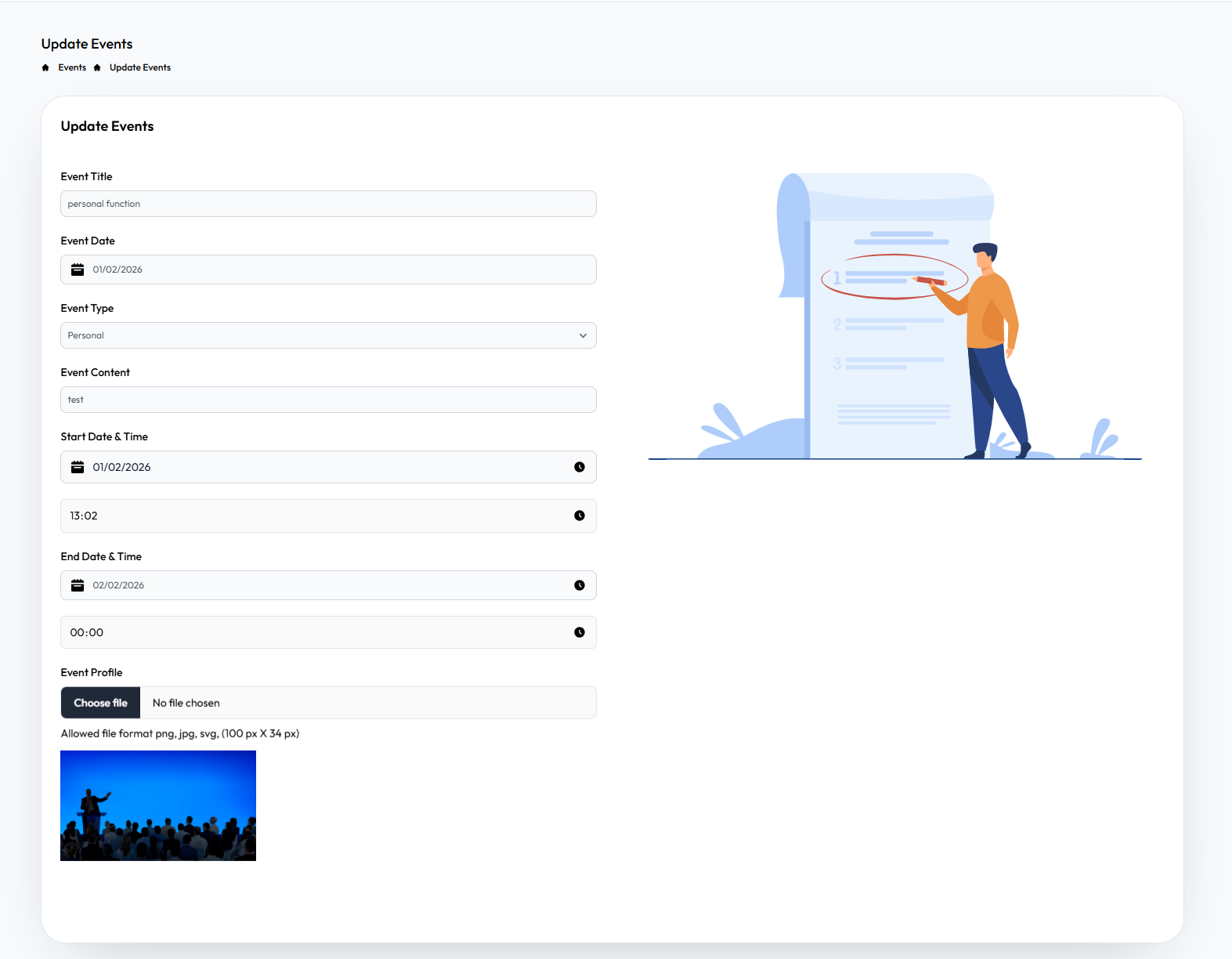
Edit Events
Flow Definition
Modify existing event details, reschedule dates, or update the event description as requirements change.
Once you have configured the settings on this page, proceed to the next module in the sidebar to continue your setup workflow.