E-Wallet Management
Monitor user balances, approve fund transfers, and send/deduct funds.
Step-by-Step Guide
This section explains exactly how E-Wallet Management works, the exact data flow, and any conditions related to it.
Module Walkthrough (Step by Step)
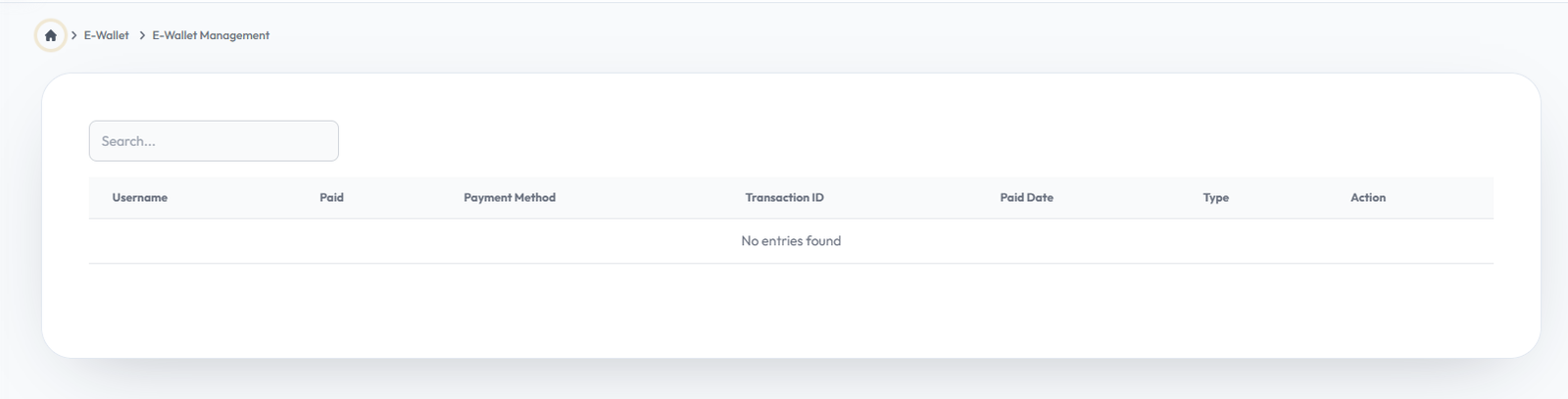
E-wallet
Flow Definition
Configure and manage the E-wallet settings to customize the platform to your specific business requirements.
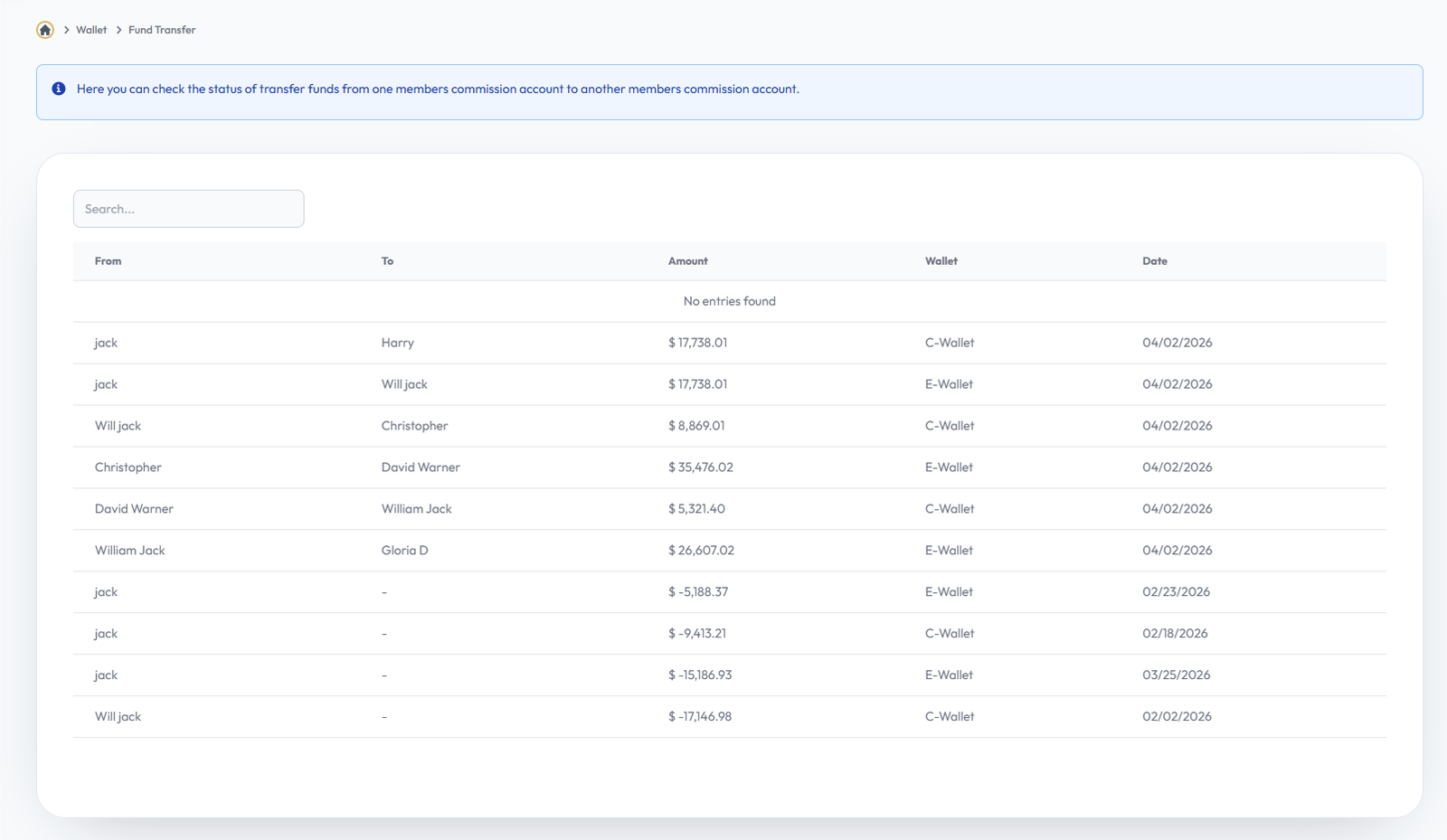
Fund Transfer
Flow Definition
Configure and manage the Fund Transfer settings to customize the platform to your specific business requirements.
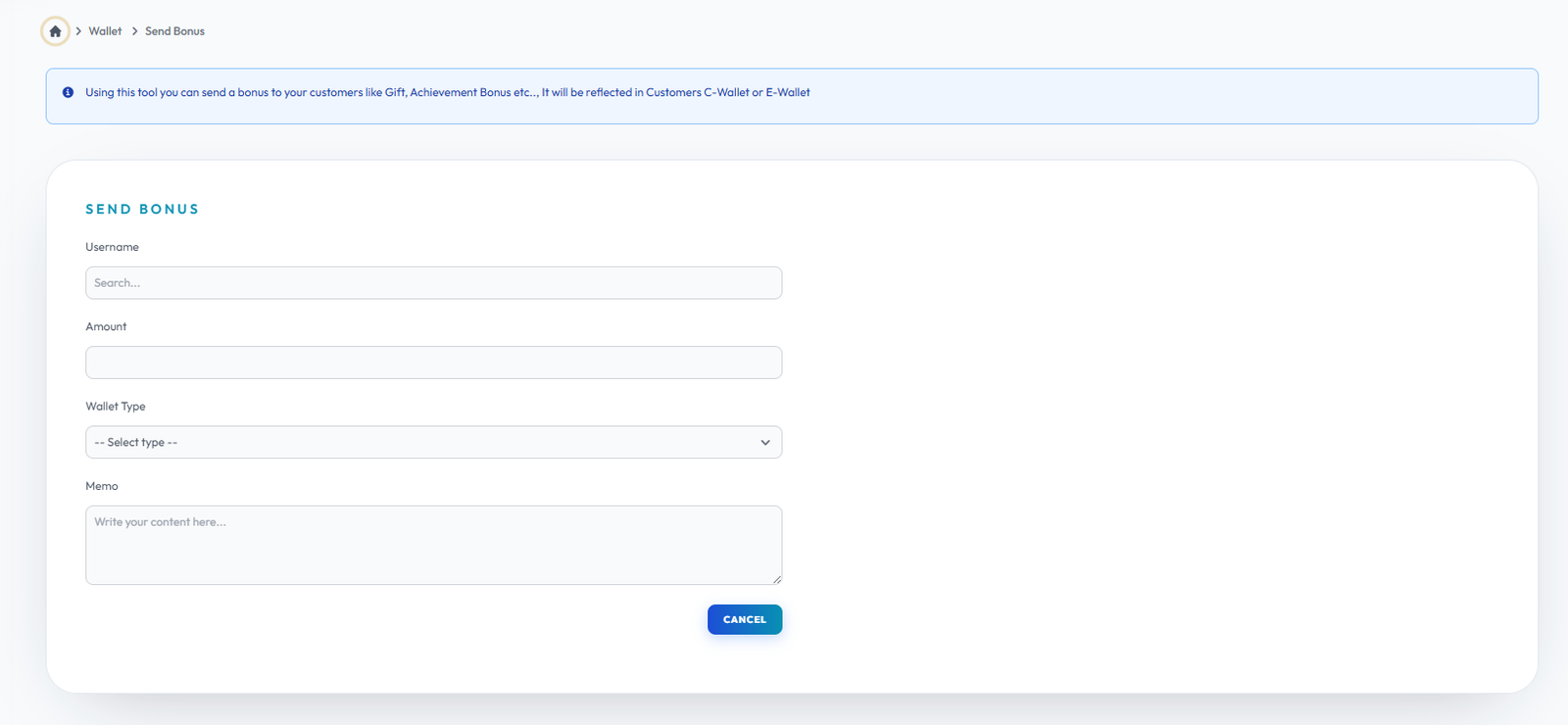
Send Bonus
Flow Definition
Configure and manage the Send Bonus settings to customize the platform to your specific business requirements.
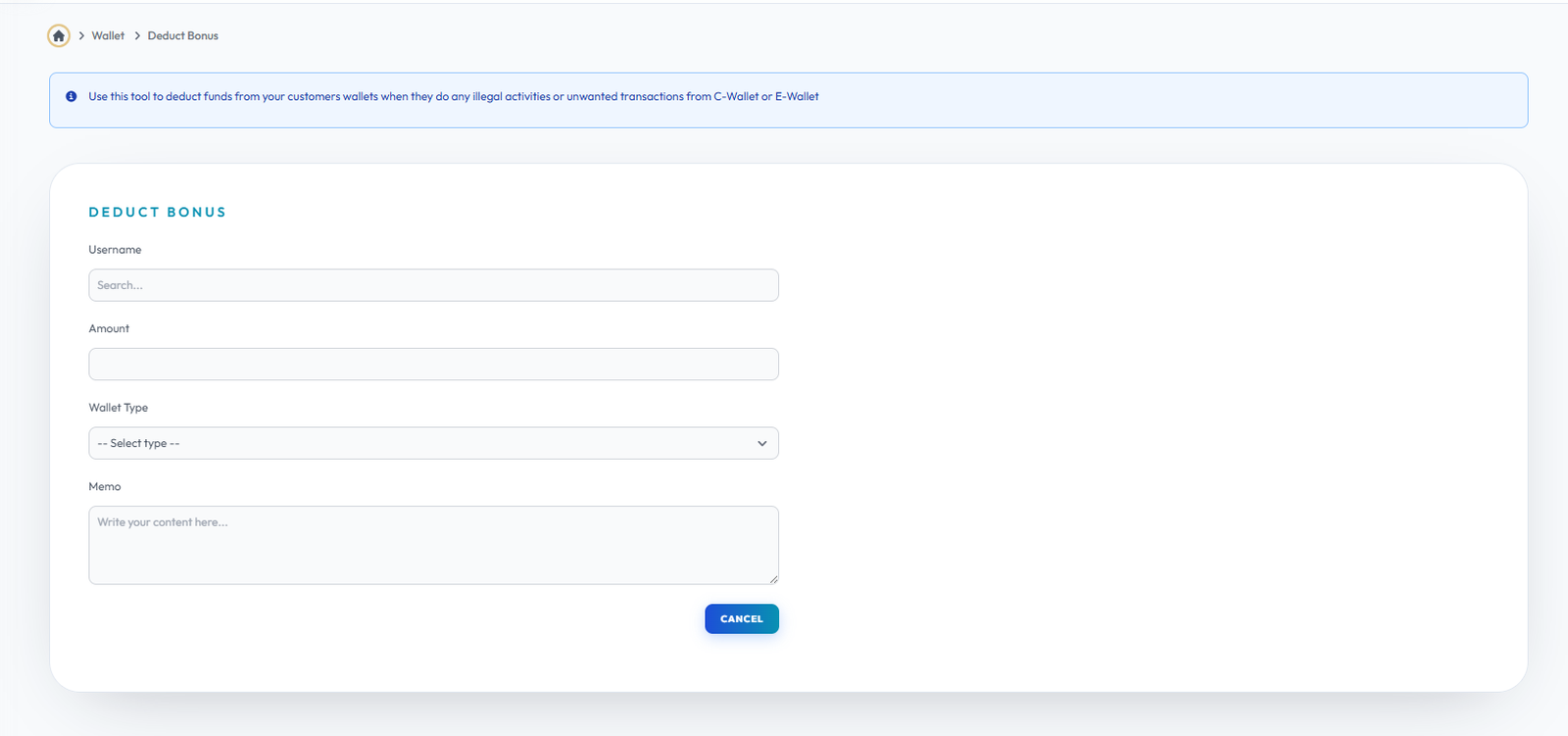
Deduct Bonus
Flow Definition
Configure and manage the Deduct Bonus settings to customize the platform to your specific business requirements.
Once you have configured the settings on this page, proceed to the next module in the sidebar to continue your setup workflow.